
Shopify CRO Audit: What It Includes and Costs
What you should get from a Shopify CRO audit, what it usually costs and how to spot a useful audit before you pay for one.
Read the guideA fixed-price review of your Shopify store. In 15 business days, you’ll know what’s costing you sales, why, and what to fix first.

Colin Stuckenschneider, Shopify engineer.
15 years of engineering, 9 on Shopify.
A slow app, broken tracking or messy product data can look like a design problem. We check what’s behind your pages too, so you fix the cause, not the symptom.
Hand the plan to your team or agency, or ask us to quote the work. No retainer, and no obligation to build with us.
If your team has said any of these lately, an audit is a great place to start.
Founder and Shopify engineer
Colin has 15 years of engineering experience, 9 of them on Shopify. He built and runs two Shopify apps, Lumi and CartBloom, and built Cangshan Cutlery’s Shopify storefront. You talk to him on the first call. He does the research, walks you through what he found and writes the code.
We review four areas together, on mobile and desktop. A problem in one often shows up in another, so we look at all four before ranking anything.
Not included. Building the fixes (quoted separately), full redesigns, moving to a new theme, paid ads, email and SMS. A/B testing isn’t part of the audit. Instead, your plan shows how to measure each fix against today’s numbers.
Every finding in the audit uses this format. This one is an example: the store and numbers are made up to show the format, not taken from a client report.
Illustrative example, not client data
How findings turn into the 30–90 day plan
1. Delay app scripts on mobile product pages
2. Stop Google Analytics counting some purchases twice
3. Add size and material filters to collections
4. Move the size guide onto the product page
Want findings like this for your store?
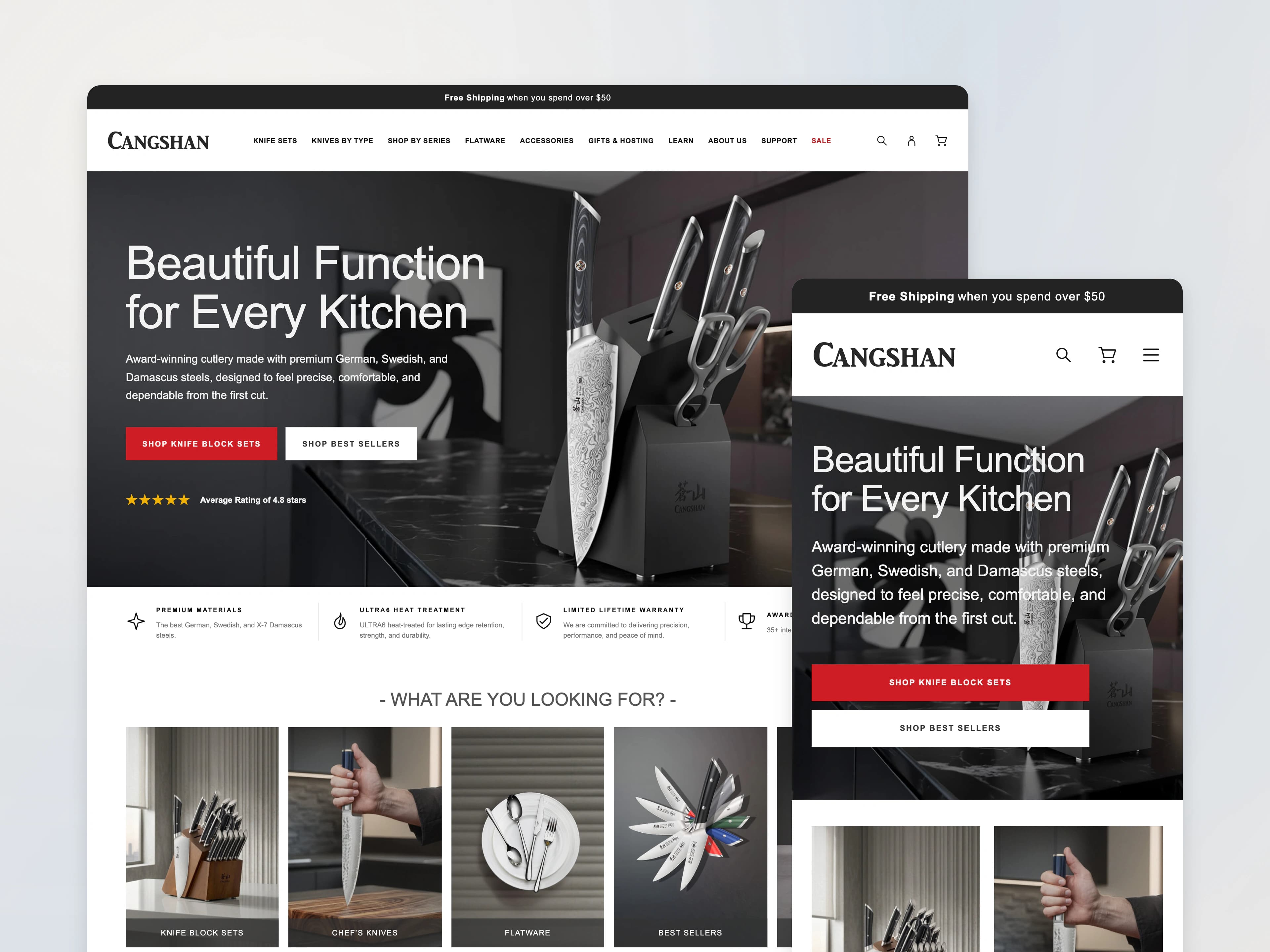
Book a Free 20-Minute CallCangshan’s storefront launch followed the same starting steps as an audit: record the numbers, check the tracking and review the shopping journey. The team wanted clearer product comparisons, easier navigation and flexible page sections they could manage themselves.
The audit takes 15 business days from kickoff, and most audits start within two weeks of booking. All your team needs to give is store access, a one-hour kickoff and time for the findings review.
Tell us about your traffic, what you’ve tried and what you think is wrong. If the audit isn’t the right next step, we’ll tell you on the call.
If it’s a fit, you get a short agreement and an invoice for the 50% deposit. Paying it locks in your start date, and we agree who from your team joins kickoff.
A one-hour working session. You give us collaborator access to Shopify and read access to your analytics.
We find where customers drop off, check your tracking, measure page speed and review your key pages before we recommend anything.
We find the cause of each big problem and score every fix by impact, effort and risk.
Colin walks your team through the findings, the evidence and what to fix first. The other 50% is due then. You choose who builds the fixes: us, your team or your agency.
$2,899
Fixed.
The price stays the same, however many issues we find.
Want us to build the fixes? We’ll quote that separately after the audit. No retainer, no lock-in.
Already know what to fix?
Ongoing Shopify CRO builds and measures each fix in 2-week, fixed-price sprints, from $3,500.
Configurate’s Shopify CRO Audit is $2,899, fixed. You pay 50% when you book and 50% when the findings and roadmap are delivered.
15 business days from kickoff to the findings review. Booking a start date comes first, after a free 20-minute fit call.
Most audits start within two weeks of booking. The audit only reviews your store and changes nothing customers see, so it can run during BFCM and code freezes.
No. We can’t promise a number before we’ve seen your data. You get evidence, a plan with the biggest fixes first, and a way to measure each fix against your own numbers.
Colin Stuckenschneider, Configurate’s founder, does it himself. He has 15 years of engineering experience, 9 of them on Shopify, and built and runs two Shopify apps (Lumi and CartBloom). He runs the kickoff, the research and the findings review.
A full review of how customers shop your store, page speed, tracking, theme, apps and product data. Every finding names the page, the step in the shopping journey, the evidence, the cause, the fix, a score for impact, effort and risk, and how you’ll know it worked. There’s a sample on this page. You also get the 30–90 day plan, the tracking check, the app and script list, and a recording of the walkthrough.
No. Your plan is written so your developers or agency can build it. If you want us to build it, we’ll send a separate proposal with a fixed price. No lock-in. Colin can also walk your agency through the plan.
We need collaborator access to Shopify and read access to your analytics. We use it only for the audit, and no store or customer data goes into AI tools without your permission. You can remove access when the audit is done.
No. The audit is a review. We look at your store, theme, apps and reports, but we don’t change anything customers see. Changes only happen if you decide to build the fixes.
No. The audit works for any Shopify plan. On Shopify Plus, we also look at the checkout changes only Plus allows.
That’s common, and it’s one of the first things we check. Broken tracking becomes a finding, with what to fix before you rely on the numbers.
What you should get from a Shopify CRO audit, what it usually costs and how to spot a useful audit before you pay for one.
Read the guideGetting Shopify traffic but few sales? Here’s what to check, in order: your numbers, your traffic, product pages, cart, checkout and mobile.
Read the guideStart with a free 20-minute call. We’ll tell you where we’d start.
Ready to go? Tell us on the call. If it’s a fit, you’ll get a short agreement and a deposit invoice, and we’ll set your start date.
Prefer email? Write to hello@configurate.com.