
Case Study - Fieldloom’s linen product page
This fictional Shopify store shows mattress depth and what’s in the set beside the size picker.
- Brand
- Fieldloom
- Project date
- Service
- Shopify product page design and conversion analysis
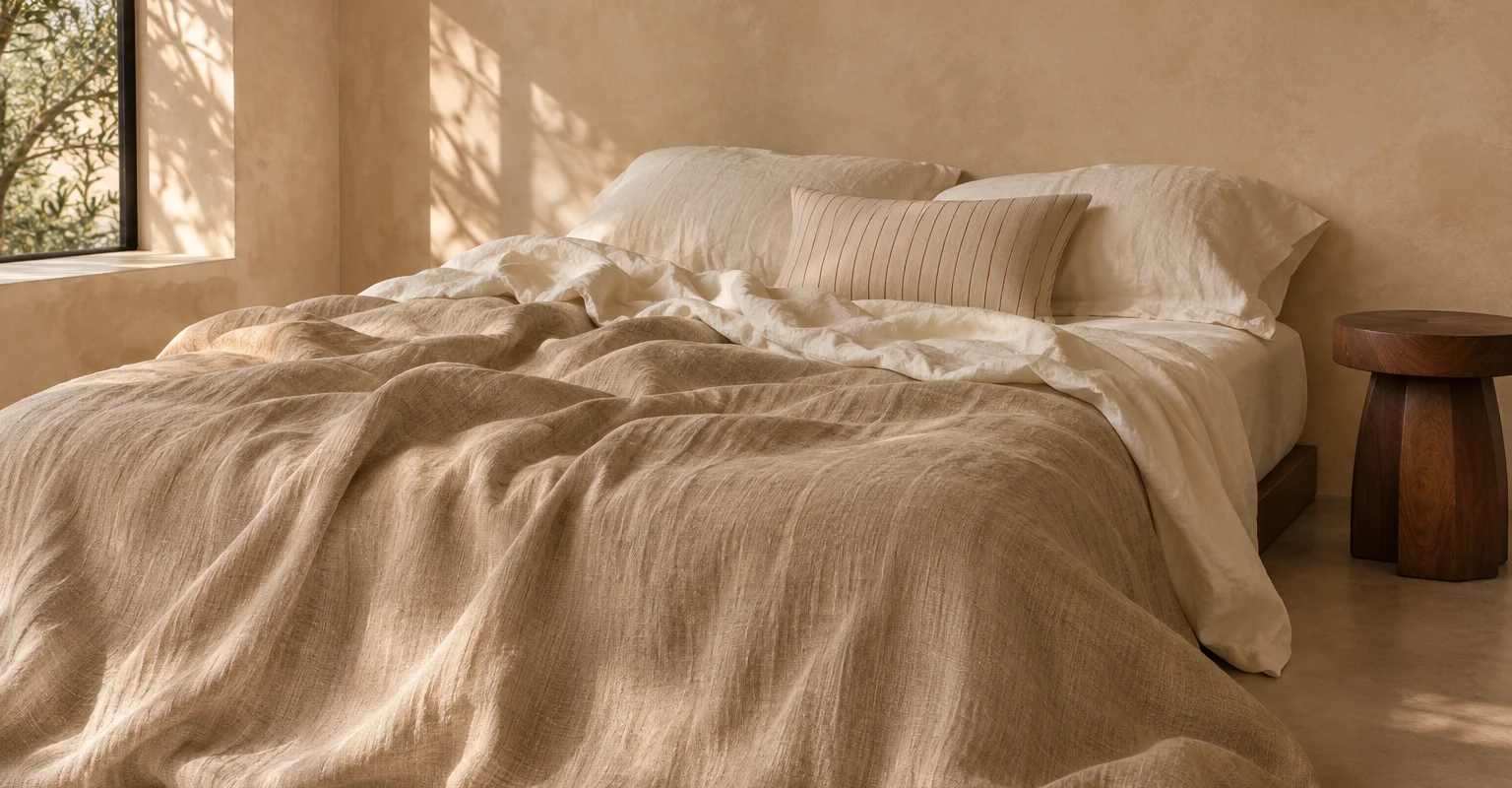
At a glance
About Fieldloom
Fieldloom sells linen sheet sets in several sizes and colors. Before they buy, its customers want to know a set will fit their mattress and topper, and which pillowcases come with it.
- Industry
- Linen bedding
- Sample results
- Add-to-cart rate up 16%, reached-checkout rate up 12% and purchase conversion up 10%
The challenge
Choosing linen sheets took more than a mattress size
Picking Queen gives customers the width and length. Fit also depends on the depth of the mattress and any topper, and customers need to know which pillowcases come with the size they pick.
Mattress depth lived in a separate guide
Customers had to open the fit guide to find the maximum depth, then return to the size picker to make their selection.
Set contents were listed together
One description covered all sizes. On a phone, customers had to scroll between that description and the size picker to check what came with their set.
The solution
A Shopify product page that answers fit questions at the size picker
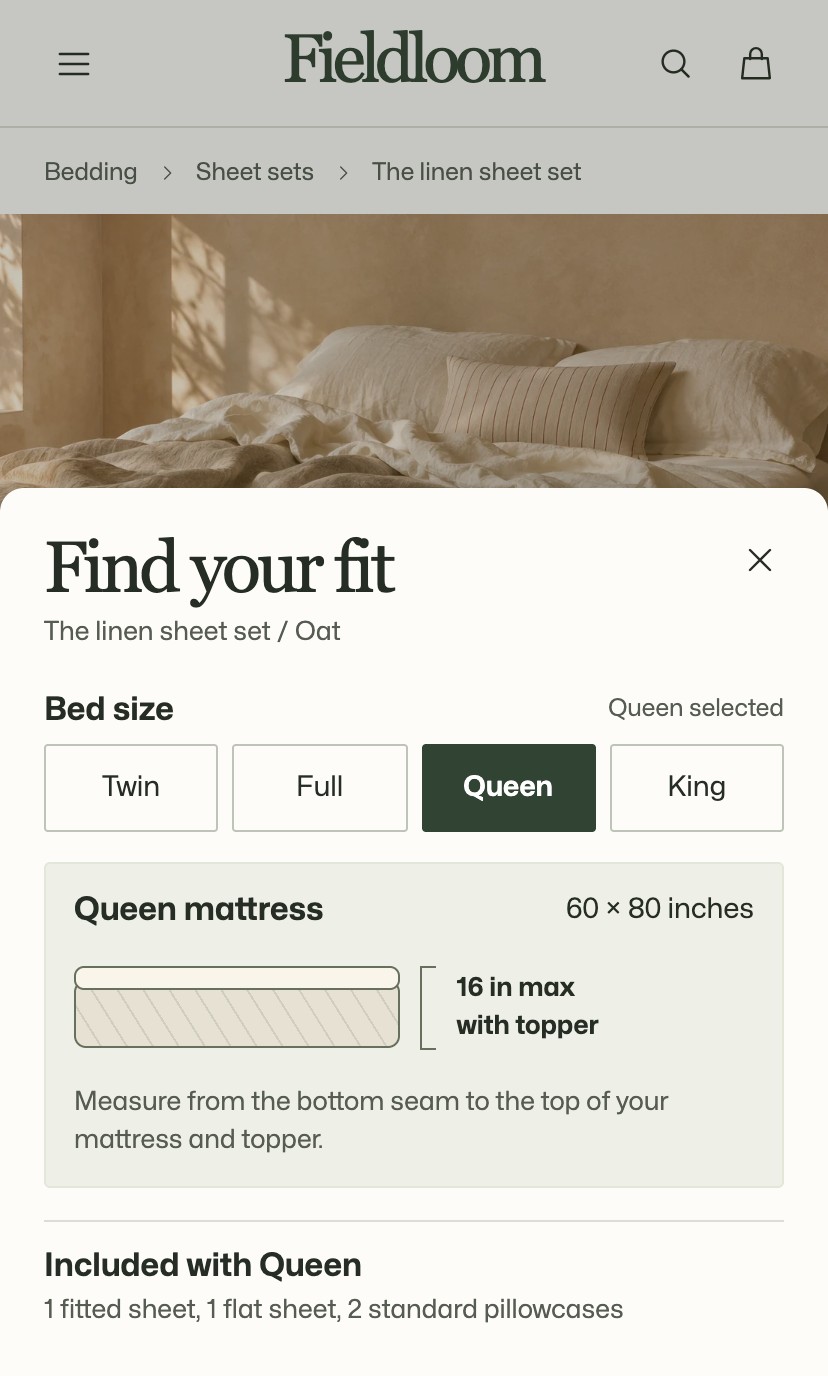
We put mattress dimensions, maximum depth and set contents beside the price for the selected size. Picking Queen updates all three together. Each swatch also shows the color name.
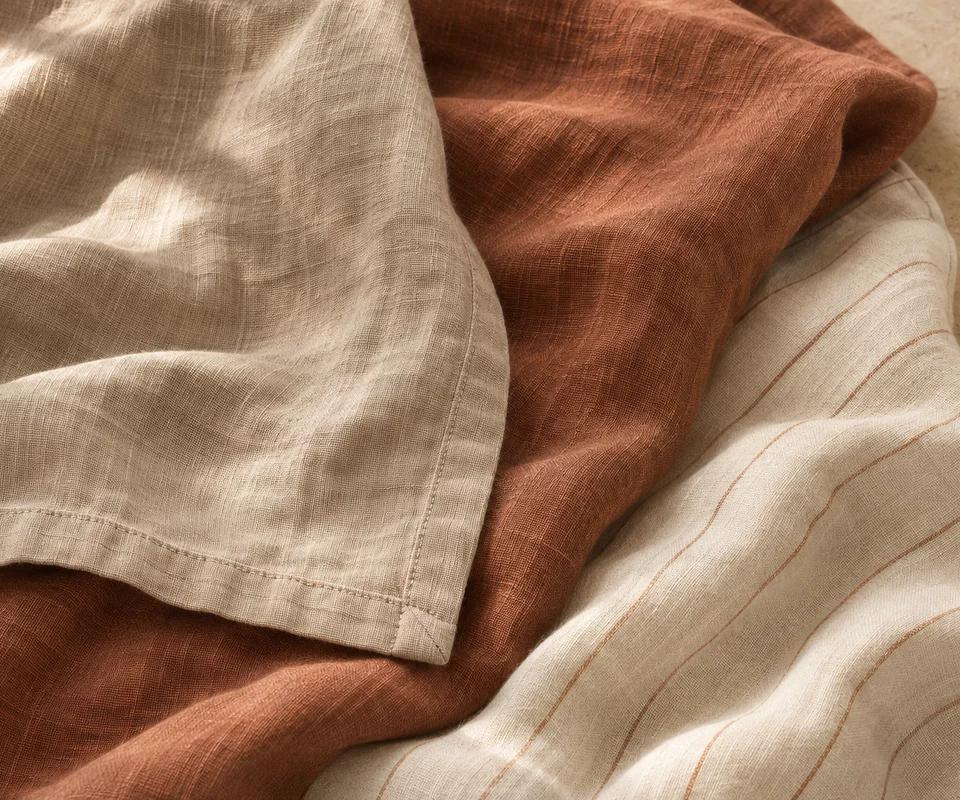
Fieldloom
The linen sheet set
$168 · Queen · Oat
- Will it fit?
- Fits a 60 × 80 inch queen mattress up to 16 inches deep, including your topper.
- Inside the set
- One fitted sheet, one flat sheet, and two standard pillowcases.
A fit guide that includes the topper
We added a side-view diagram that shows where to measure, from the bottom of the mattress to the top of the topper. The selected size and set contents stay visible while customers use the guide. Sizing questions belong on the product page, as our Shopify conversion audit checklist explains.
Size and color comparisons on the collection page
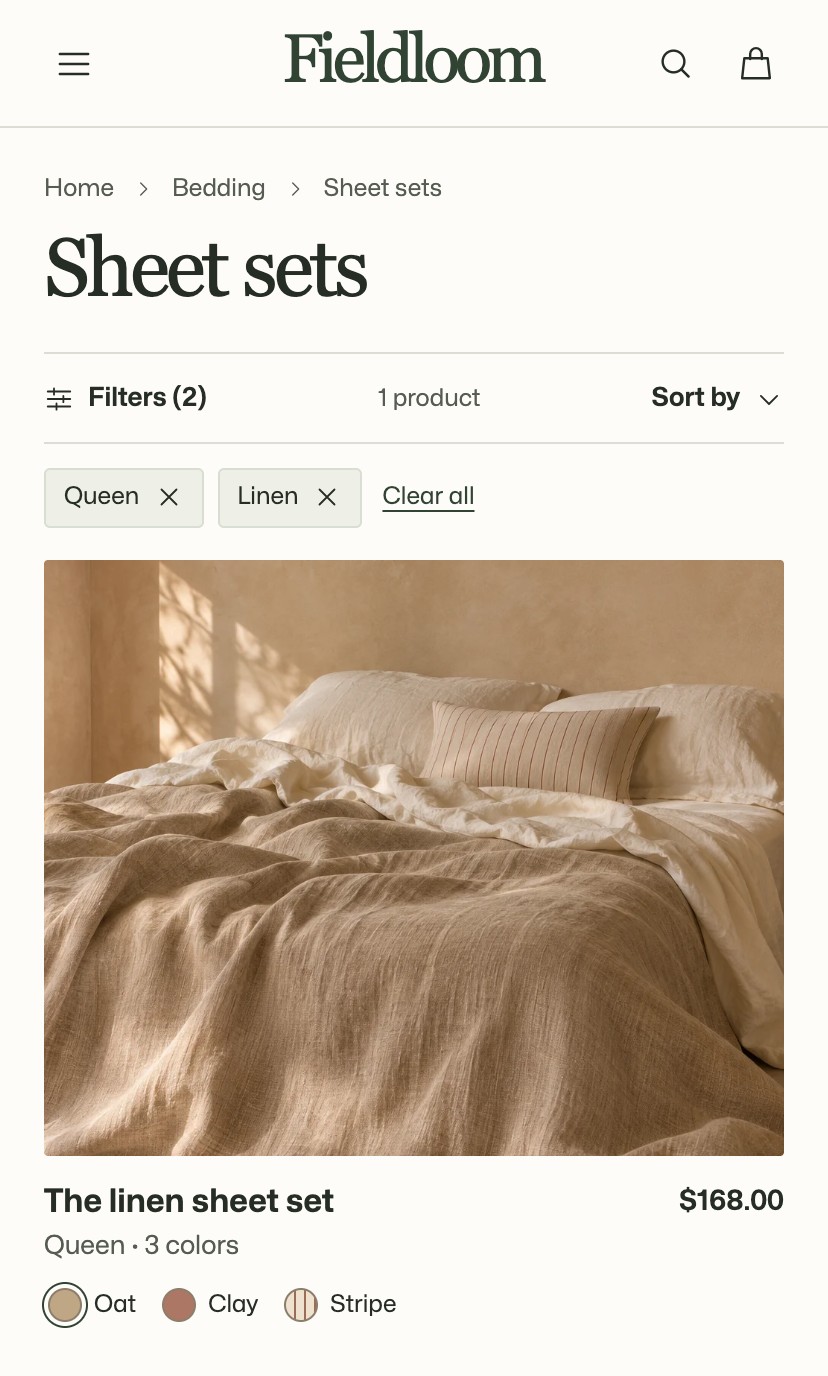
We kept the active size and fabric filters visible above the results and grouped Oat, Clay, and Stripe on one product card. Customers can compare colors from the collection page.
An estimated total before checkout
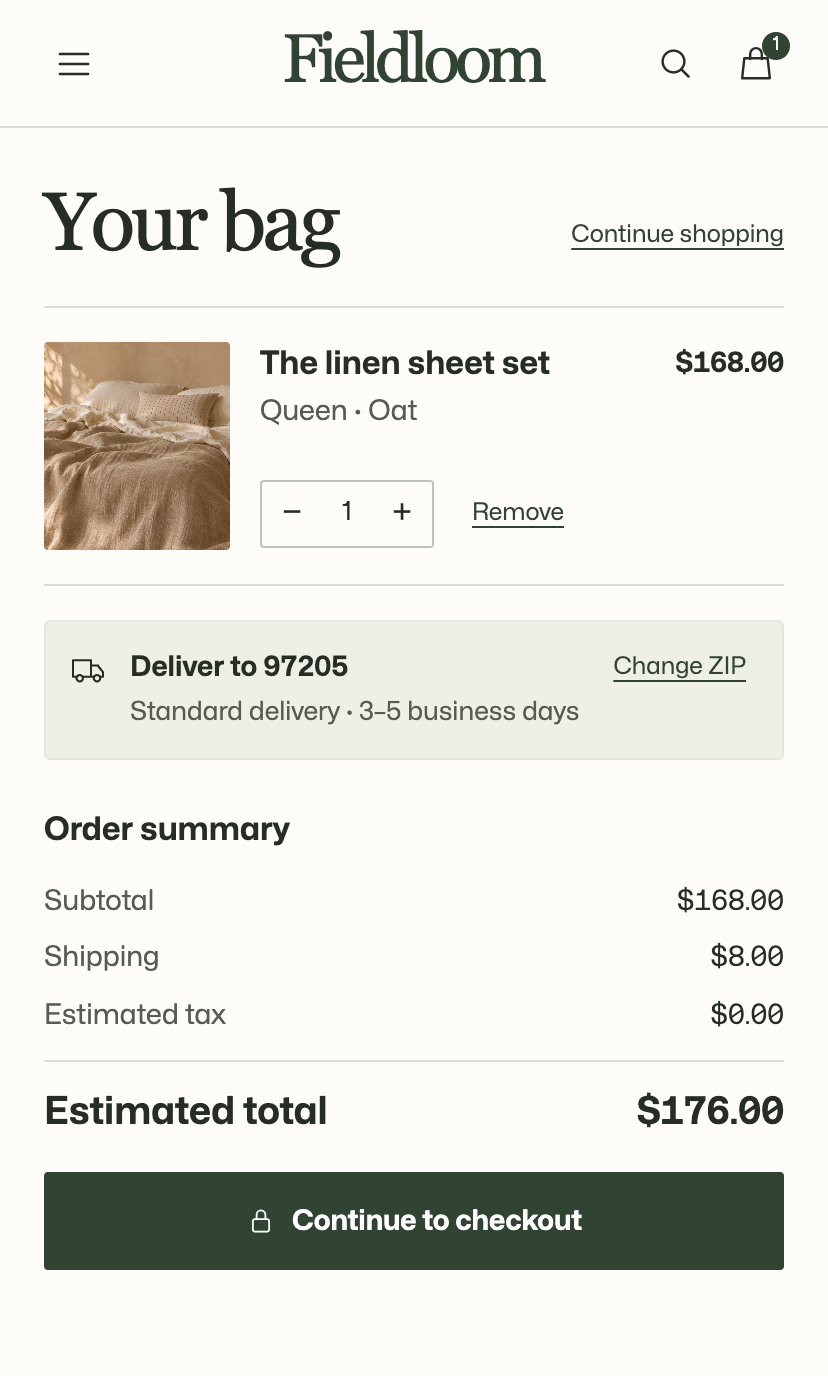
We carried the selected size and color into the bag and added a ZIP-based shipping estimate. Customers can confirm their set, see the estimated delivery window, and update their ZIP before checkout.
Sample results
16% higher add-to-cart rate and 10% higher purchase conversion
These sample figures show how to compare add-to-cart, checkout and purchase rates before and after a redesign.
| Metric | Before | After | Relative lift |
|---|---|---|---|
| Add-to-cart rate | 5% | 5.8% | +16% |
| Reached-checkout rate | 3% | 3.36% | +12% |
| Purchase conversion rate | 1.8% | 1.98% | +10% |
Your store
Do your product pages answer the questions customers ask?
The $2,899 Shopify CRO Audit reviews how customers shop your product pages, collections and cart, then ranks what to fix first. You get the plan in 15 business days.